Complete
Guide
Everything you need to know about temperature validation and compliance documentation with ProofKit. From CSV upload to audit-ready certificates.
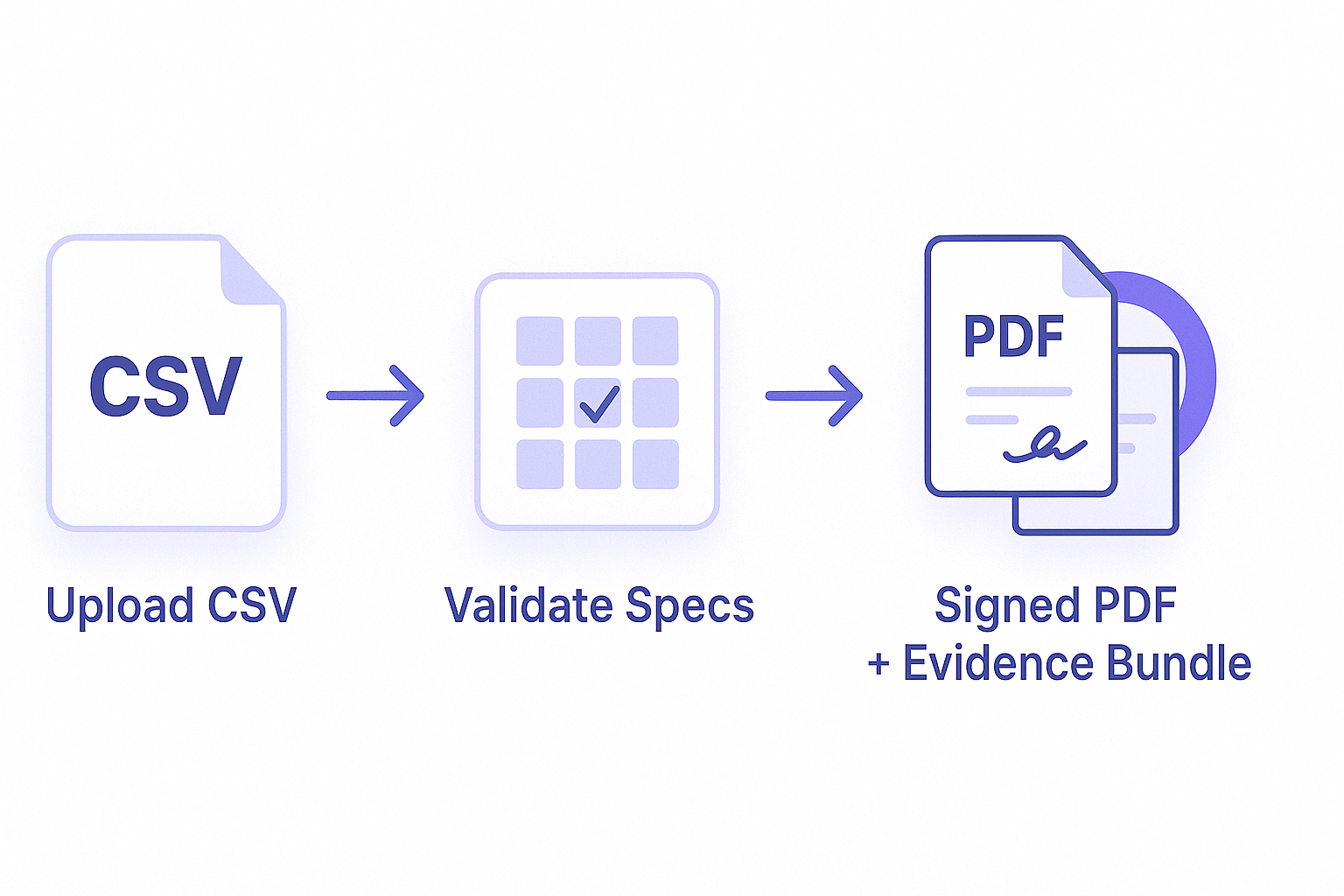
Getting Started
Three simple steps to generate inspection-ready certificates
1. Upload CSV Data
Upload your temperature measurements in CSV format. Support for timestamps and multiple temperature units.
A CSV file is a simple spreadsheet — you can export one from Excel, Google Sheets, or your data logger software.
2025-08-05 14:00:00,180.5
2. Set Your Process Requirements
Tell us your target temperature, how long to hold it, and your thermometer accuracy.
ProofKit uses these details to check whether your process met the required conditions.
3. Download Results
Get audit-ready PDF certificates with tamper-proof evidence bundles and QR verification.
Industry Solutions
Pre-configured validation standards for major industries
Powder Coating
Industry standard for powder coating cure validation and quality control.
Learn More →Medical Devices
FDA-compliant sterilization validation with lethality (Fo) calculations.
Learn More →Cold Chain
Vaccine storage and cold chain monitoring with temperature excursion detection.
Learn More →For developers — API documentation
API Integration
Programmatic access for automated validation workflows
JSON API Endpoint
Submit temperature data and specifications programmatically.
{
"csv_data": "timestamp,temperature\\n...",
"spec": { ... }
}

CSV Format
Simple CSV format with flexible column naming and timestamp formats.
2025-08-05 14:00:00,180.5
2025-08-05 14:01:00,181.2
2025-08-05 14:02:00,182.0
Ready to Start?
Try ProofKit with your temperature data and get audit-ready certificates
Start Validation →